Labor II · Calliope, the Writer
Pillar Builder
A pillar is one big, trusted page on a topic that your other content links to. Pillar Builder walks you through six steps to make one.
Where to find it: More → Pillars.
Steps
- 1
Finish Circuit Setup first — Pillar Builder needs it.
- 2
Open More → Pillars. You will see six steps: Topic, Content, Schema, Preflight, Publish, Maintenance.
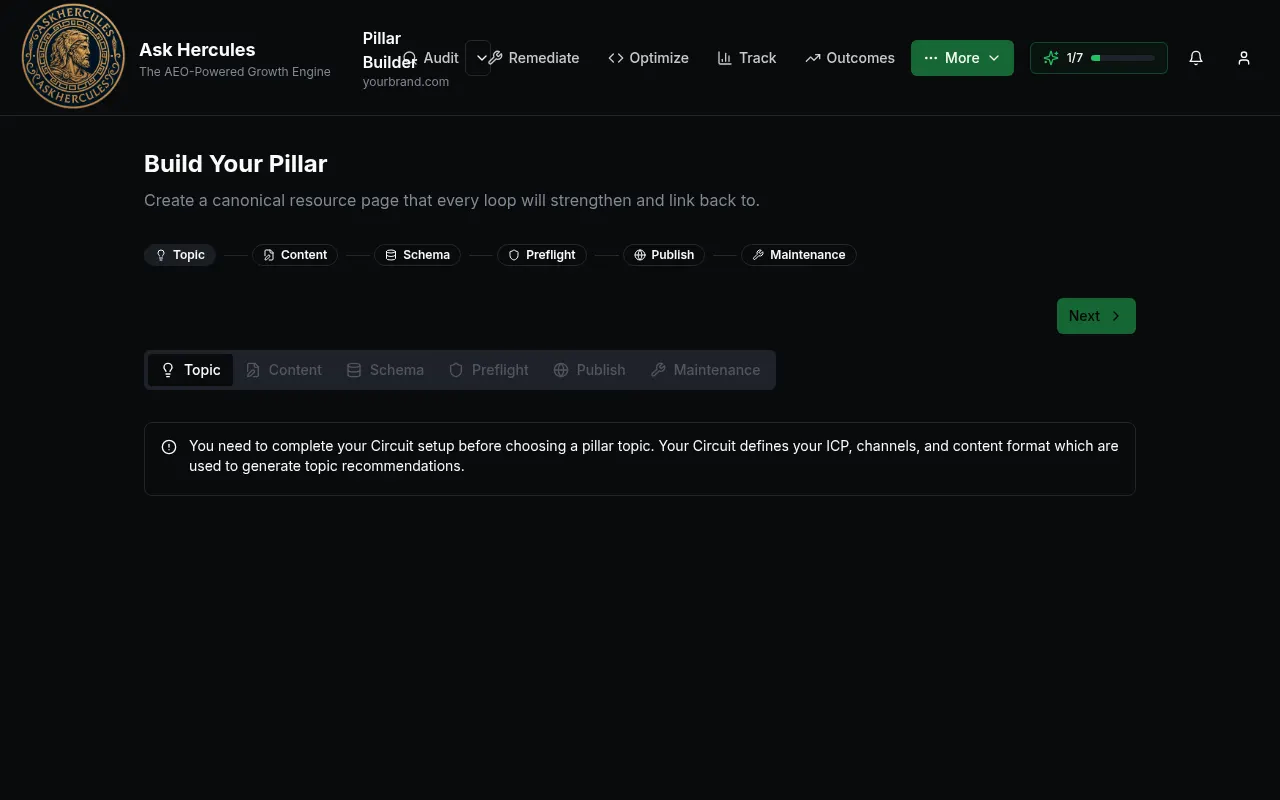
Customer details in screenshots are hidden or replaced with sample text. - 3
Topic: pick a suggested topic you can win. Press Next.
- 4
Content and Schema: review the drafted page and its schema. Press Next.
- 5
Preflight: run the checks and fix anything that fails.
- 6
Publish: send it to WordPress or copy it. Maintenance keeps checking the page after it is live.
What you'll see
- Back and Next buttons move between steps; your work is saved.
Common problems
- I see "You need to complete your Circuit setup".
- Go to More → Circuit Setup and finish every step.