Labor II · Calliope, the Writer
Answer Assets
An Answer Asset answers one real buyer question in four parts: a definition, what goes wrong, how to judge options, and an FAQ. It is shaped so AI can quote it.
Where to find it: More → Answers.
Steps
- 1
Open More → Answers.
- 2
Press "Create Answer" (or "Create Your First Answer").
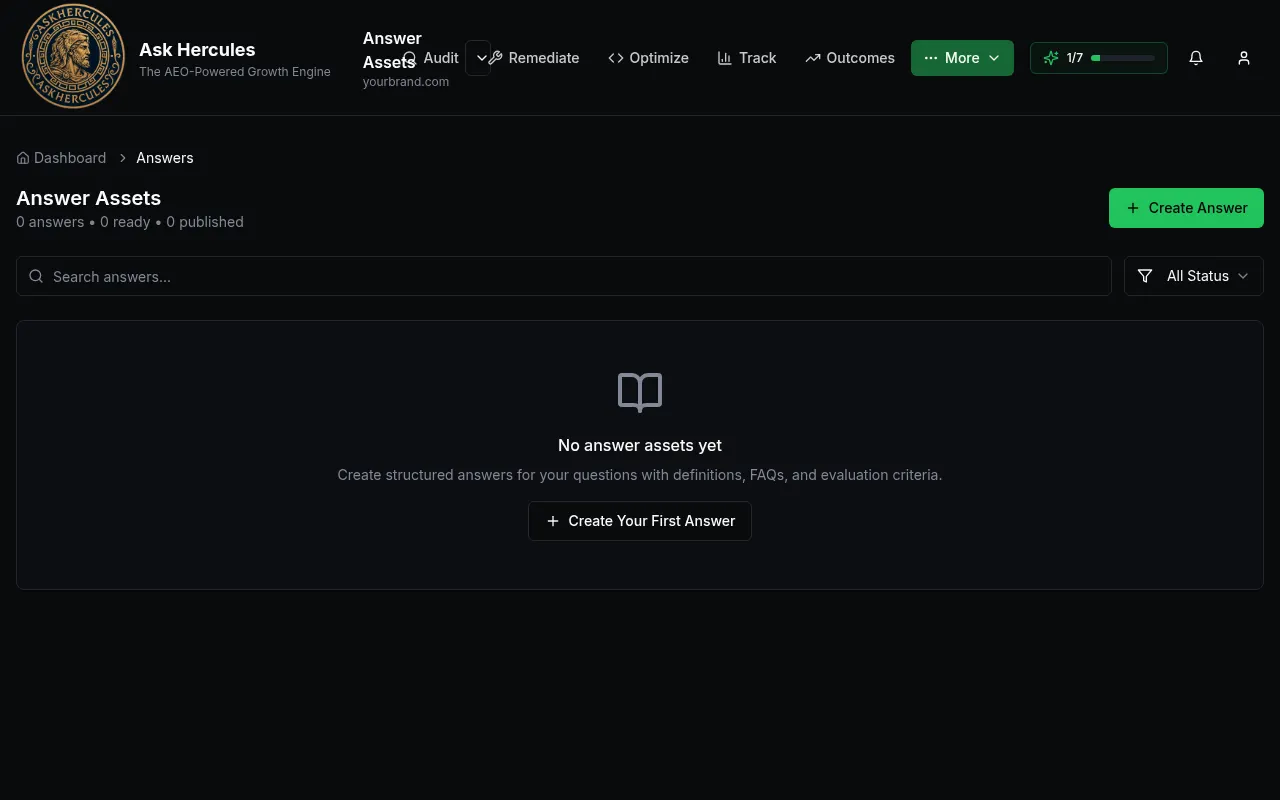
Customer details in screenshots are hidden or replaced with sample text. - 3
Pick a question from your Question Bank.
- 4
Fill in or generate each of the four parts, then review and save.
- 5
Use the status filter to see drafts, ready and published answers.
What you'll see
- The top line counts your answers, how many are ready and how many are published.
Common problems
- No questions to pick from.
- Add questions first in More → Questions.