Labor II · Calliope, the Writer
Blog and LinkedIn studio
Turn your answers into blog posts with cover images and into LinkedIn posts in your own voice.
Where to find it: More → Blog Posts and More → LinkedIn Posts.
Steps
- 1
Make at least one Answer Asset first.
- 2
Open More → Blog Posts. Generate a post from an answer. Press "Connect WordPress" if you want to publish straight to your site.
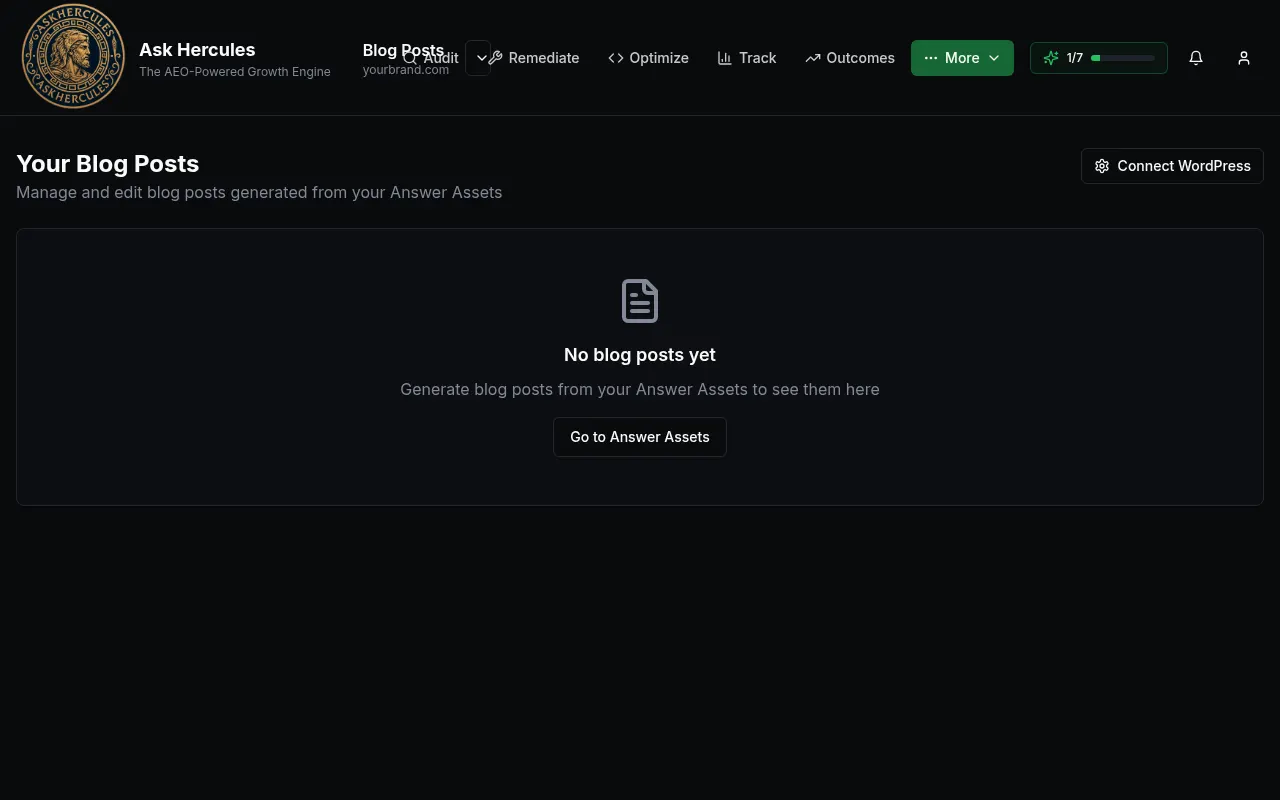
Customer details in screenshots are hidden or replaced with sample text. - 3
Open More → LinkedIn Posts and press "Generate Post".
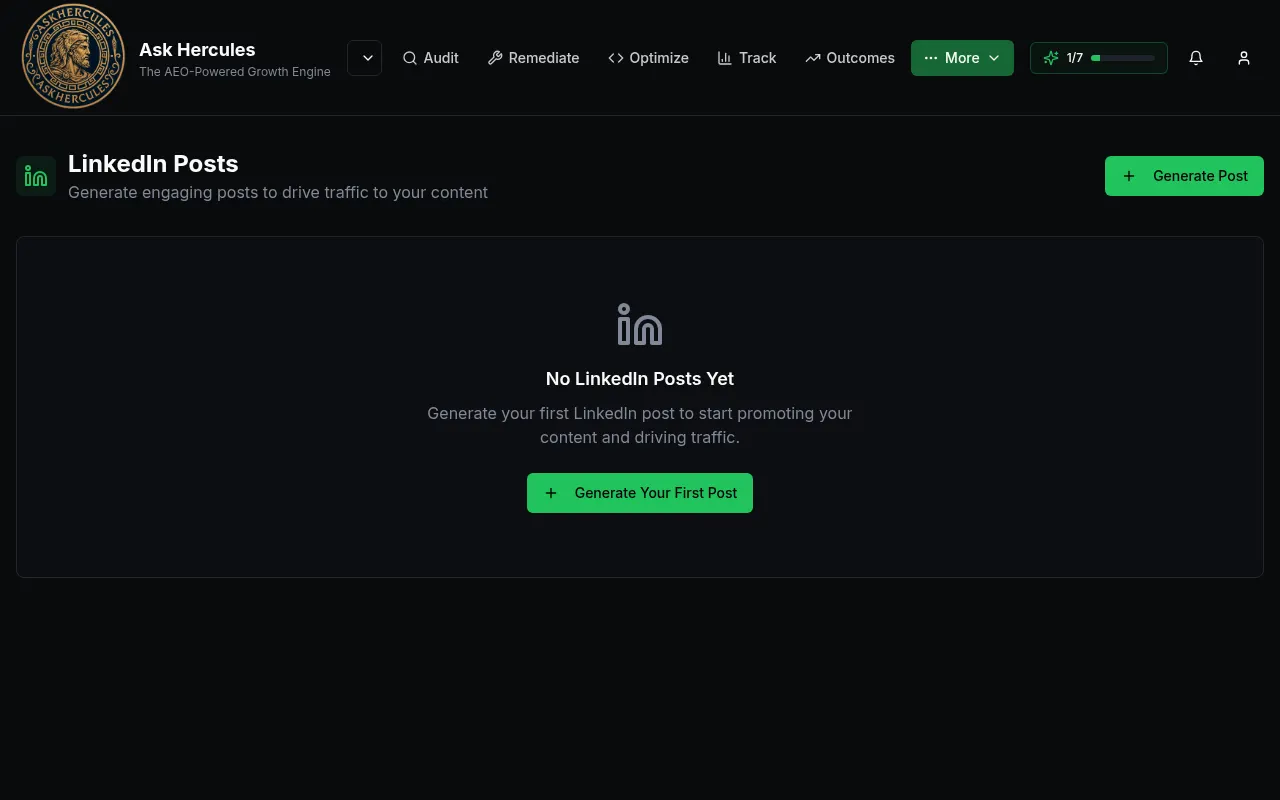
Customer details in screenshots are hidden or replaced with sample text. - 4
Read and edit the text, then copy it into LinkedIn.
What you'll see
- Add your LinkedIn profile link in Account Settings so posts sound more like you.
Common problems
- Blog Posts is empty.
- Posts are made from Answer Assets. Press "Go to Answer Assets" and create one.