Labor III · Hercules, the Fixer
Domain Remediation
Remediation turns audit problems into ready-made fixes. You read and approve each fix. Then it can be published to WordPress or GitHub, checked on the live page, and undone in one click.
Where to find it: Top bar → Remediate.
Steps
- 1
Run an audit first.
- 2
Click Remediate. Press "Pull latest audit" to bring in your newest problems.
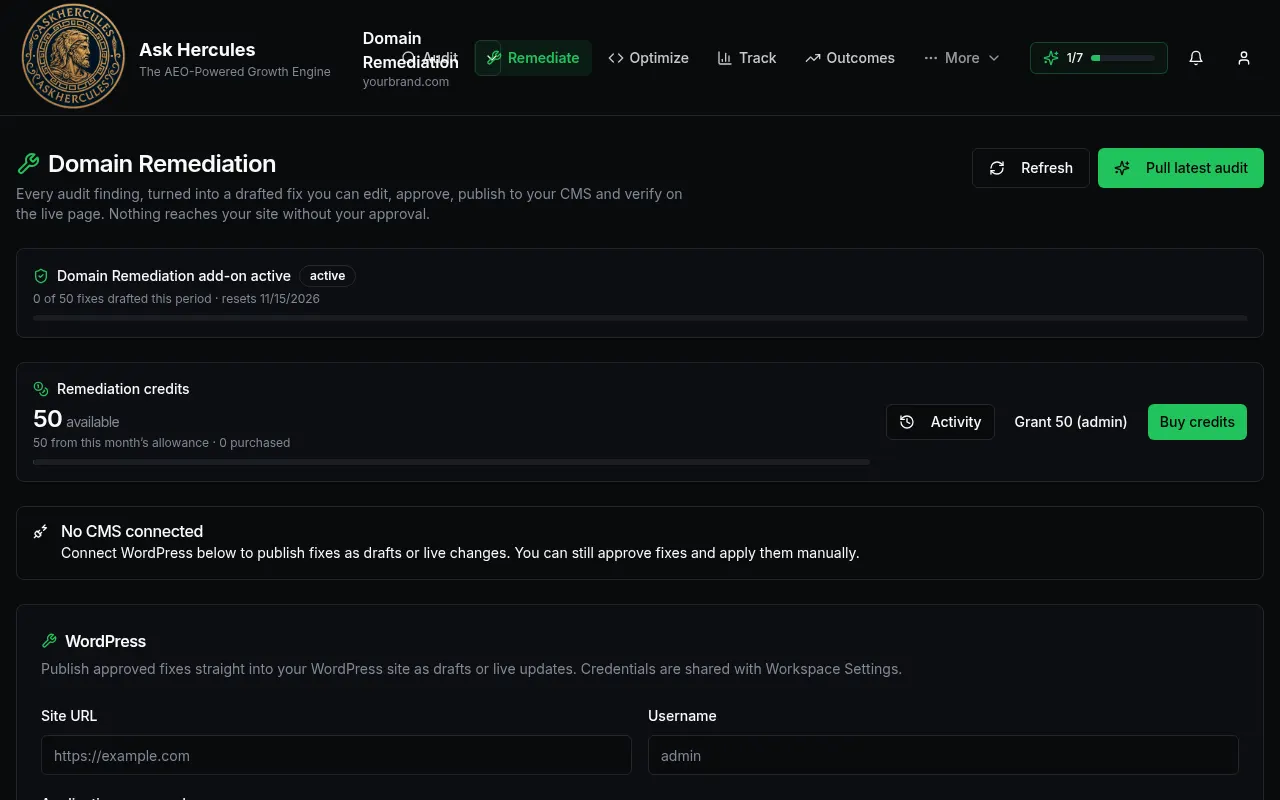
Customer details in screenshots are hidden or replaced with sample text. - 3
Check your credits. Drafting a fix uses 1 credit; publishing and checking use a few more.
- 4
Connect WordPress (site address, username, app password) to publish fixes. Without it, you can still copy fixes and apply them yourself.
- 5
Open each fix, edit if needed, and approve. Then publish as a draft or live change.
What you'll see
- "Activity" shows what was drafted, published and checked.
- Nothing reaches your site until you approve it.
Common problems
- It says "No CMS connected".
- Add your WordPress details on this page, or copy fixes and apply them by hand.