Start here
Workspace settings and your team
A workspace holds one brand. Settings is where you set the brand name, other names people call you, competitors and who on your team can get in.
Where to find it: Person icon (top right) → Workspace Settings.
Steps
- 1
Click the person icon at the top right and choose Workspace Settings.
- 2
On the General tab, check the Workspace Name. In "Brand Names & Aliases", list other names your brand goes by, separated by commas. Tracking counts a mention when AI uses any of these names.
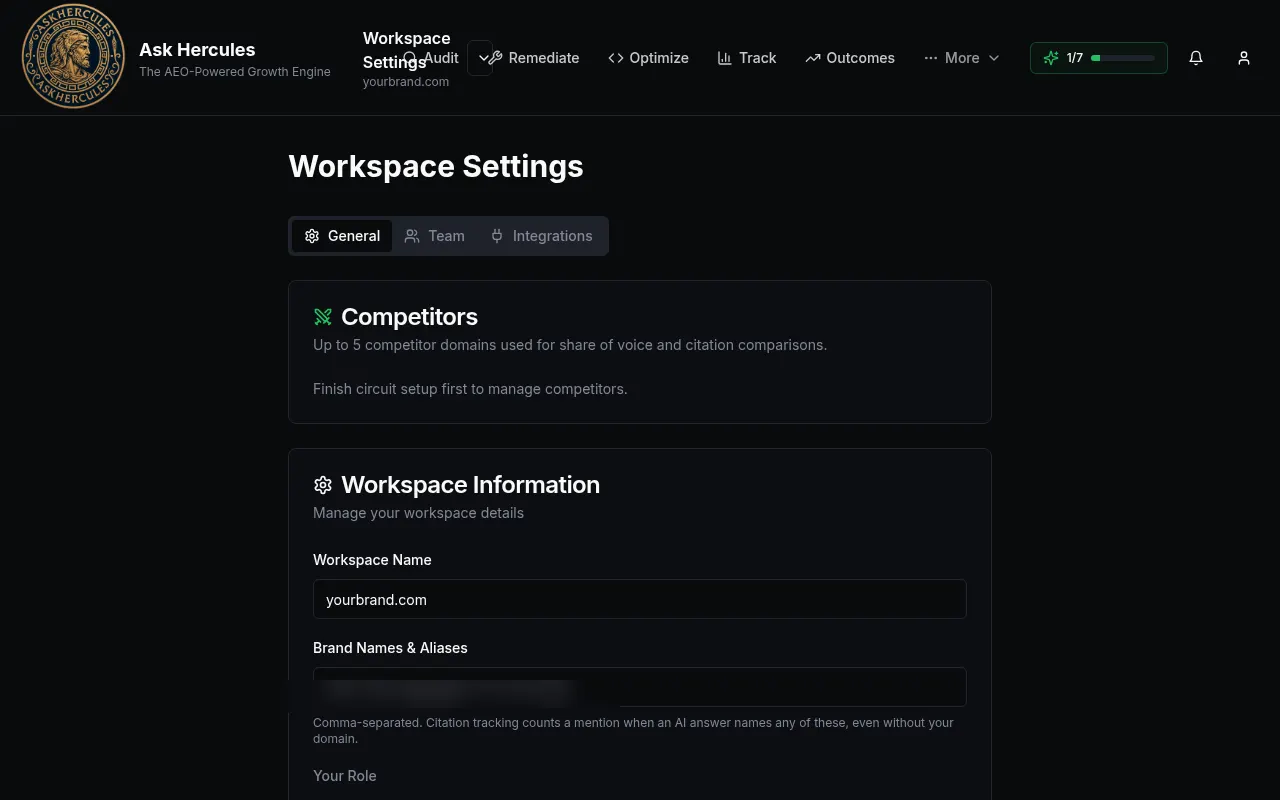
Customer details in screenshots are hidden or replaced with sample text. - 3
Add up to 5 competitor websites in the Competitors box. They are used for share of voice.
- 4
Open the Team tab to invite teammates by email and pick their role.
What you'll see
- Your changes save to this workspace only. Other workspaces are kept fully separate.
Common problems
- I cannot add competitors.
- The box says "Finish circuit setup first". Complete Circuit Setup, then come back.