Labor V · Erato, the Local Guide
Local AI Visibility
For businesses that serve nearby customers. It checks your Google Business Profile against the details you saved, and builds local schema for your site.
Where to find it: More → Local AI Visibility.
Steps
- 1
Open More → Local AI Visibility. Read "What this area does" at the top.
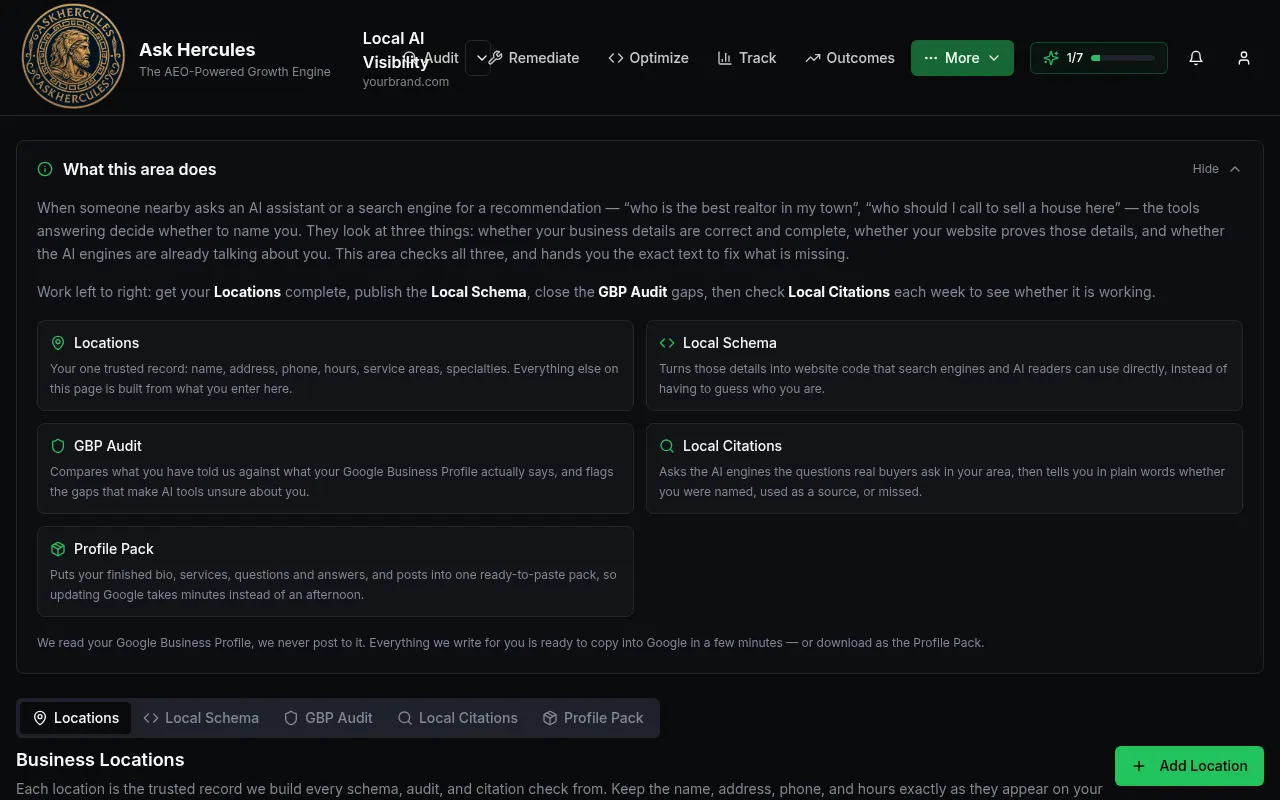
Customer details in screenshots are hidden or replaced with sample text. - 2
On Locations, press "Add Location". Enter your name, address, phone, hours, service areas and specialties exactly as on your Google profile.
- 3
Open Local Schema to build the code for your website.
- 4
Open GBP Audit to compare your saved details with your Google profile and see what to fix.
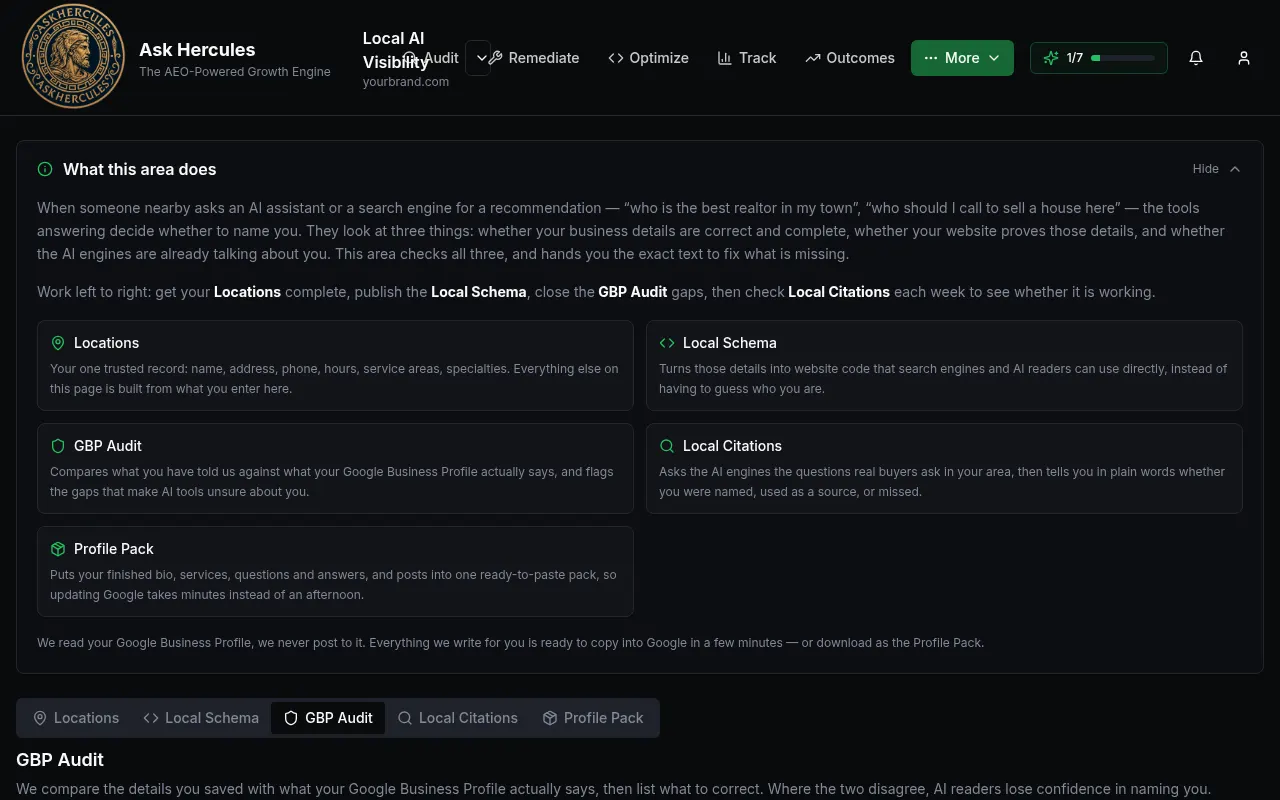
Customer details in screenshots are hidden or replaced with sample text.
What you'll see
- Ask Hercules reads your Google profile; it never posts to it.
Common problems
- The audit shows lots of gaps.
- Update your Google profile so it matches your Locations record, then run it again.