Labor V · Erato, the Local Guide
Local Citations
Asks the four AI engines the questions people near you really ask, like "best realtor in my town", and tells you if you were named, used as a source, or missed.
Where to find it: More → Local AI Visibility → Local Citations.
Steps
- 1
Add a location first.
- 2
Open the Local Citations tab and choose a location.
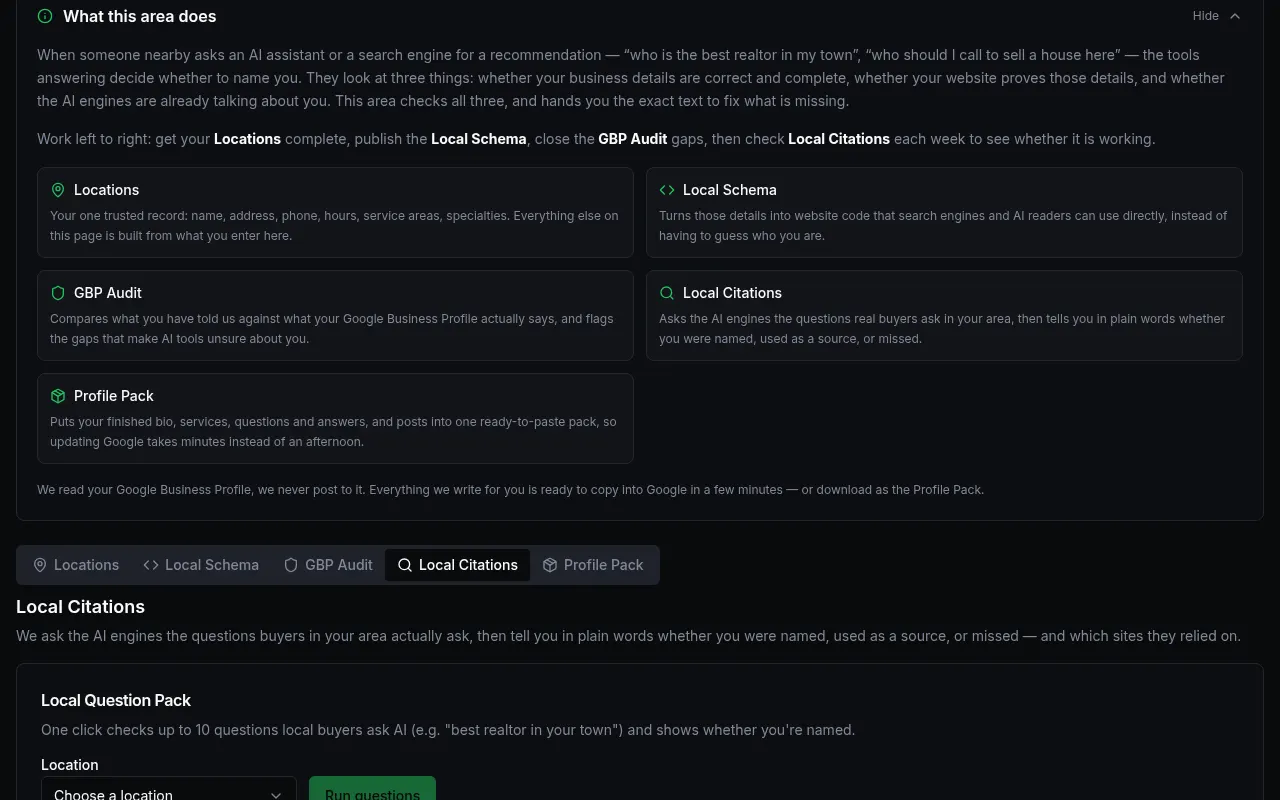
Customer details in screenshots are hidden or replaced with sample text. - 3
Press "Run questions". It checks up to 10 local questions.
- 4
Read each result and the sites AI relied on. Run it again each week.
What you'll see
- "Named" and "used as a source" are shown separately.
Common problems
- The button is greyed out.
- Choose a location from the list first.