Labor III · Hercules, the Fixer
Link Graph and internal links
A map of how your pages link to each other. It finds lonely pages with no links and suggests links you can add with one click.
Where to find it: More → Link Graph.
Steps
- 1
Make pillars and answers first — the map is built from them.
- 2
Open More → Link Graph.
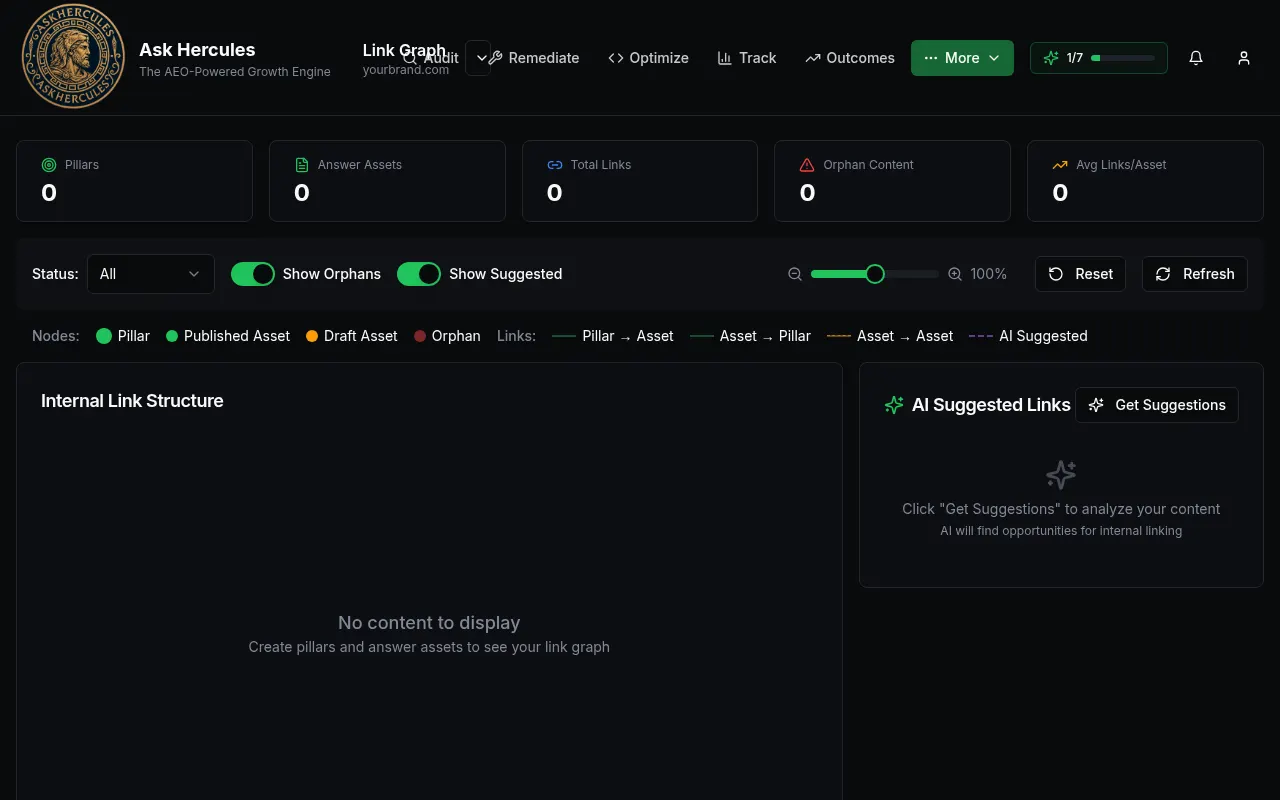
Customer details in screenshots are hidden or replaced with sample text. - 3
Use the switches "Show Orphans" and "Show Suggested" to highlight lonely pages and suggested links.
- 4
Press "Get Suggestions", then Accept the links you want.
What you'll see
- Colored dots show pillars, published and draft assets, and orphans (pages with no links).
Common problems
- "No content to display".
- Create a pillar and some answers first, then press Refresh.