Labor I · Clio, the Auditor
Domain Deep Dive
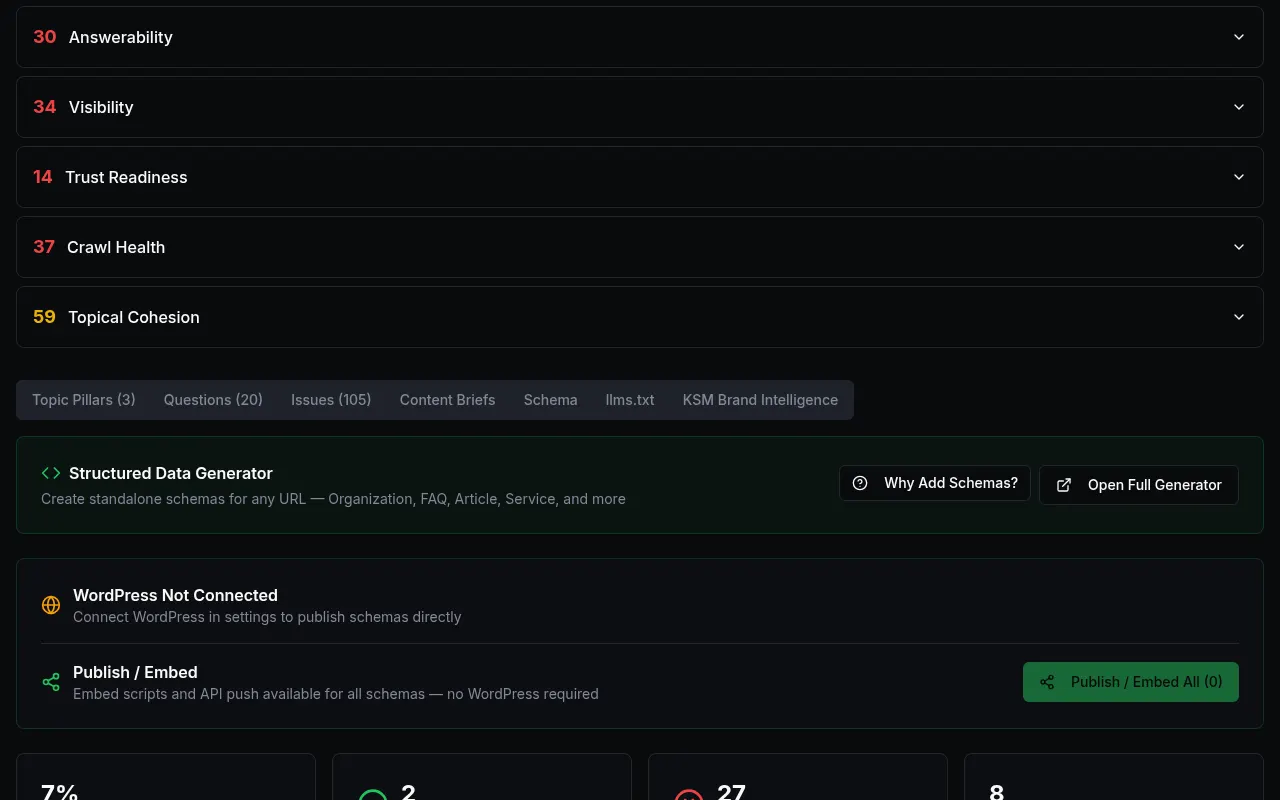
After an audit, the results tabs let you dig deeper: topic pillars, questions, issues, content briefs, schema (code that describes your business to machines), llms.txt and KSM™.
Where to find it: Audit → scroll down to the tabs under your scores.
Steps
- 1
Run an audit first (see the CRI™ audit guide).
- 2
Scroll below your scores to the row of tabs.
- 3
Open Schema to see which schema types your pages have and which are missing. Press "Open Full Generator" to build what is missing.
Customer details in screenshots are hidden or replaced with sample text. - 4
Open Topic Pillars and Questions to see which topics and buyer questions your site already covers.
- 5
Use Export, Print Report or Share Report at the top to send results to your team.
What you'll see
- Each tab shows a count, like "Issues (105)", so you know how much is there.
Common problems
- The tabs are empty.
- They fill in only after an audit finishes for this workspace.