Labor I · Clio, the Auditor
llms.txt builder
An llms.txt file is a short list on your website that tells AI assistants which of your pages matter most. Ask Hercules writes it for you from your audit.
Where to find it: Audit → llms.txt tab.
Steps
- 1
Run an audit, then open the llms.txt tab.
- 2
Press "Generate llms.txt". A draft appears in the editor.
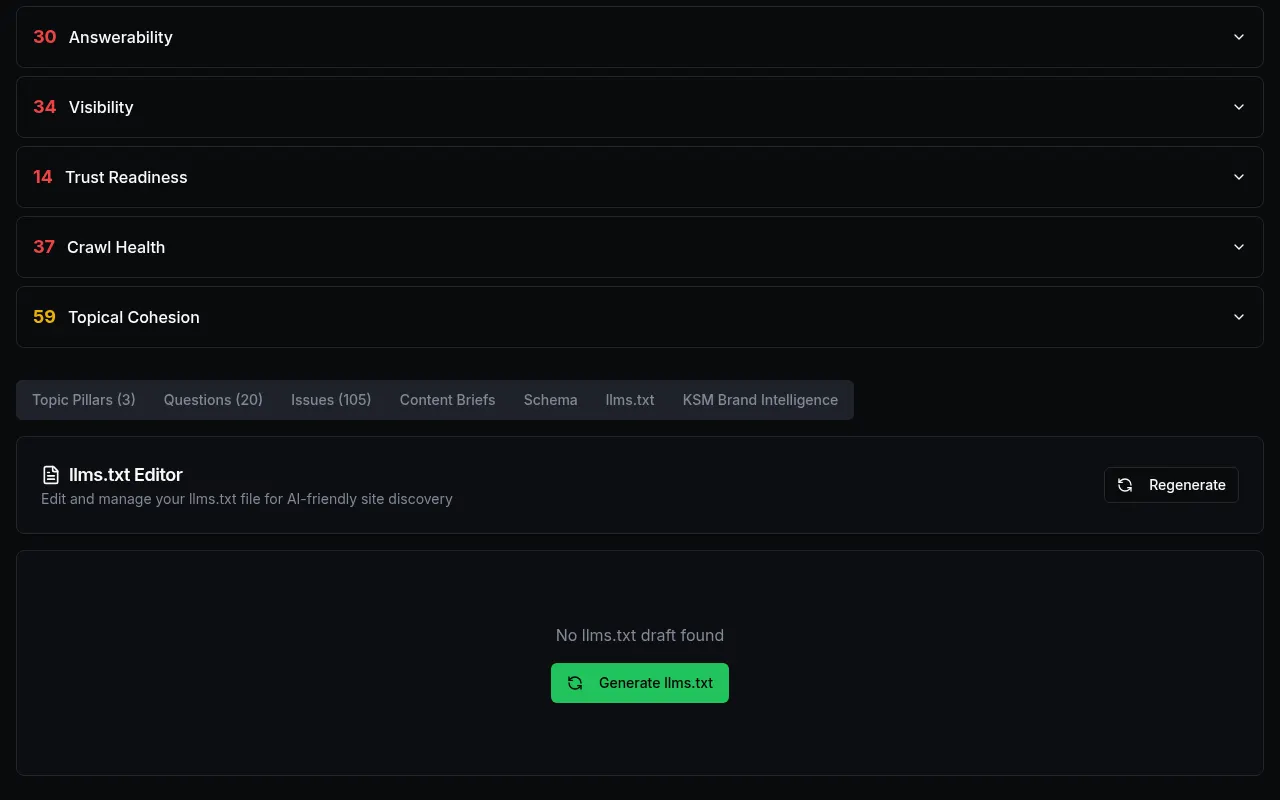
Customer details in screenshots are hidden or replaced with sample text. - 3
Read the draft. Edit any line you want to change.
- 4
Copy the text and save it as a file named llms.txt in the main folder of your website (so it opens at yoursite.com/llms.txt). Ask your web person if you are not sure how.
What you'll see
- "Regenerate" makes a fresh draft after a new audit.
Common problems
- It says "No llms.txt draft found".
- That is normal the first time. Press Generate llms.txt.